Writing the code was never the hard part. Solus does the rest.
Built around the engineering, not the agent.
- Desktop, browser, phone
- Uses your Claude or ChatGPT subscription
- Source-available on GitHub
Delegate. Review. Ship. The loop you already run.
Solus maps agent work onto the way software actually gets built. Hand work off like you would to a teammate, gate it twice, land it clean.
Hand off work like a teammate.
Create a session, assign the task, and let the agent plan, code, and validate end to end. It asks before it runs anything you have not already allowed.
⌘T new session, new task
Review intent, then output.
A second agent reads the branch and writes a guided report — what to check, in what order, and why it matters — with each concern sitting next to the exact code it refers to.
4 concerns · +31 −0 · per-file
Land approved work cleanly.
Reviewers, checks, and every changed file in one place. Merge when it is ready, or hand a conflicted branch back to an agent in its own worktree.
✓ ready to merge
Built for how engineers
actually work.
The spec is in Confluence. The ticket is in Jira. The diagram went stale three sprints ago. Solus reaches all of it, so the agent works from the context you work from — and writes back to it when it's done.
Read the spec where it lives.
Hand an agent a Confluence link or a Google Doc URL and it reads the real page. Or let it search across both by full text when you only half-remember which doc it was.
Work the ticket, not a copy of it.
Jira and GitHub Issues sync both ways. Pull a ticket in as a task, push status and field changes back, and post the comment from the session that did the work.

Publish the result back out.
Docs, decks, and diagrams the agent produces are real artifacts. Publish one to Confluence or Google Docs and it stays linked, so the next publish updates that same page instead of littering copies.

Architecture you can edit, not a screenshot.
System, data-flow, and ER diagrams render on a canvas you can rearrange, drill into, and keep next to the code. Serialize to Mermaid when it needs to live in the repo.

Atlassian and Google connect once in Settings. Everything above is a tool the agent can call in any session — no copy-and-paste round trip, and nothing leaves your machine except the calls to those services.
One workspace. The whole loop.
Plans, diffs, pull requests, tasks, and schedules all live in one keyboard-first workspace. Each feature links to its docs.
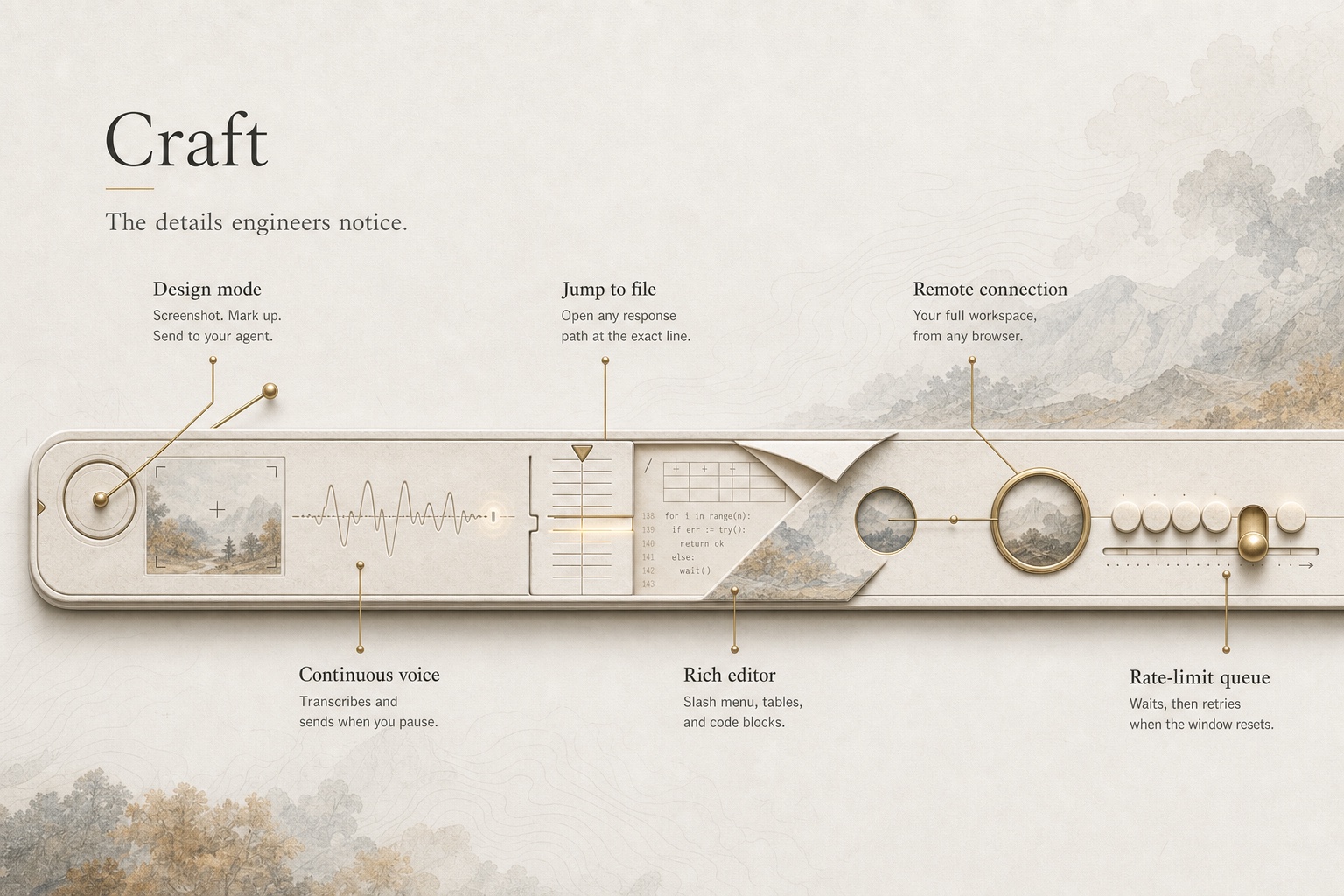
The details engineers notice.
Keep the agents. Lose the tab sprawl.
Free and source-available. Bring the Claude or ChatGPT subscription you already pay for.